Is vibe coding good for learning? Yes, but only if you use it as a guide, not a crutch. It can help you move fast, see working code sooner, and stay motivated when you are stuck. The catch is simple. If you let the AI do every hard part, you may finish more projects but understand less of how they work.
Is Vibe Coding Good for Learning
For many people, vibe coding can be a strong way to start learning. It lowers the fear that often comes with a blank screen. You can ask for a small app, inspect the code, change parts, and learn by doing instead of staring at tutorials forever.
The real value is feedback. You get something visible fast. That makes programming feel less abstract and more real.
But vibe coding is not the same as understanding programming. If you only copy what the model gives you, you may miss the logic, the tradeoffs, and the habits that build long term skill. So the best answer is this. It can help learning a lot, if you stay active while you use it.
Quick Summary
- Good for motivation. It helps you build faster and stay engaged.
- Weak for shallow use. Copying code without reading it limits real learning.
- Best as a tutor. Ask why, not just what.
- Use it with practice. Pair AI help with small manual exercises.
What Vibe Coding Actually Teaches You
Vibe coding teaches you some useful things right away. You see how features fit together. You learn common file names, simple app structure, and how small changes affect the result. For a beginner, that can be a huge relief. For related context, our piece on ai agents for productivity: a practical guide is worth a read.
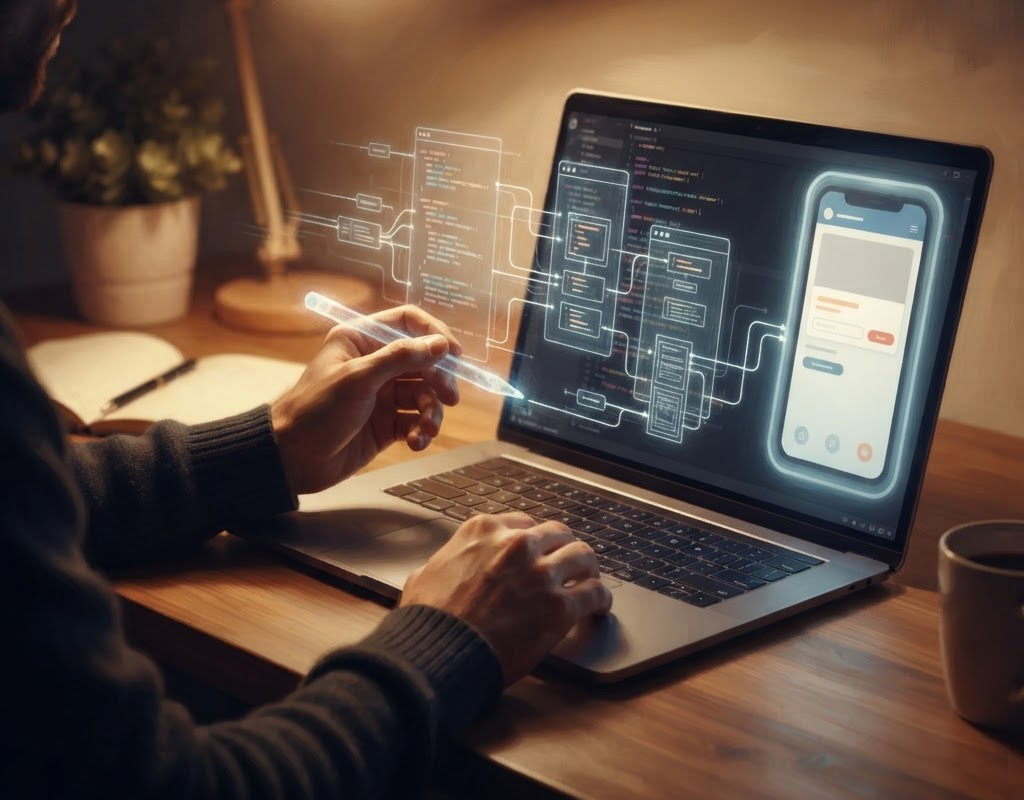
It also helps you build a sense of pace. Instead of spending days setting up a tiny project, you can get to the part that matters. That can make learning feel less like homework and more like discovery.
It Helps You Connect Ideas to Output
One of the hardest parts of learning code is connecting a concept to a visible result. AI tools can close that gap fast. You ask for a button, a form, or a simple API call, then you see how the pieces line up.
That instant loop matters. It makes abstract ideas easier to remember because you can test them right away.
It Can Also Hide Important Details
The same speed that helps you can also hide the plumbing. The AI may produce working code, but you might not know why it works. That becomes a problem when something breaks or you need to adapt it.
If you never trace the logic, you may learn the shape of an app without learning the craft behind it. That is where many people stall out.
When Does Vibe Coding Help Most?
Vibe coding helps most when you already have a learning goal and you use the model to move through friction. It is great for quick prototypes, small experiments, and getting unstuck on syntax. It is also useful when you want to compare your idea against a working example.
It tends to work well for people who are curious and willing to inspect the output. You do not need to know everything first. You just need to stay involved.
It Works Well for First Projects
Early projects can feel heavy. You need to make a folder, set up files, choose a framework, and write code that does not feel tiny. AI can reduce that setup pain and help you reach the fun part sooner.
That matters because early wins build confidence. And confidence keeps people learning after the first rough week.
It Works Well for Debugging Practice
You can also use vibe coding to practice debugging. Ask the model to explain the error, then check the explanation against the code yourself. That teaches you how to read problems instead of just fear them.
When the AI gets it wrong, that is not wasted time. It is a chance to sharpen your eye.
When Does It Hurt Learning?
Vibe coding hurts learning when it removes the part of the work that forces you to think. If the model writes every line, fixes every error, and chooses every structure, you can end up with a polished result and a weak skill set. That gap can be hard to notice at first.
Speed can fake progress. You may feel productive while your understanding stays thin. That is the main risk.
It Can Create Passive Learning
Passive learning happens when you watch code happen instead of working through it. That is the same trap as reading a recipe without cooking. It feels educational, but your hands never really learn the steps.
To avoid that, pause often. Predict what the next chunk should do before you ask for it.
It Can Make You Overtrust the Output
AI code can look clean even when it is wrong, incomplete, or oddly built. If you trust it too fast, you may learn bad habits along with good ones. You also miss the chance to develop judgment, which is a huge part of programming.
Good learners do not accept output on faith. They inspect it, test it, and ask what could break later.
Fast code is nice. Clear understanding lasts.
How Do You Use AI Coding Tools Without Losing the Lesson?
The best way to use vibe coding for learning is to keep yourself in the loop. Let the AI help you draft, explain, and repair code. Then make sure you can restate what each part does in your own words.

Think of the model as a pair programmer. It should support your thinking, not replace it.
Ask for Explanations, Not Just Solutions
When you ask for code, ask for the reasoning too. A good prompt sounds like, "Show me the code, then explain each part in plain language." That gives you more than a finished file. It gives you a path you can follow.
If the explanation still feels fuzzy, ask for smaller pieces. One concept at a time is easier to learn and remember.
Rewrite the Code Yourself
Do not stop at copy and paste. Type the code again, even if it is slower. That simple move helps your brain notice structure, names, and patterns.
Then change one thing. Rename a variable, tweak a function, or move logic into another file. Small edits build real comfort.
Use Tiny Tests as Checkpoints
Try one change at a time. Run the code after each step. If something breaks, you will know what caused it.
This is a great learning habit because it forces clarity. You stop treating code like magic and start treating it like a system you can understand.
What Should Beginners Learn Before They Rely on It?
Beginners do not need to master everything before using AI tools. But they should know enough to recognize the basics. That includes variables, functions, conditionals, loops, and the general shape of a project.
You do not need deep theory on day one. You do need enough foundation to tell whether the AI is helping you or just hiding the ball.
Learn the Core Concepts First
Start with the essentials. Learn what a function is, how data moves, and how errors look. Those ideas show up everywhere, no matter what language or framework you use.
Once those pieces feel familiar, AI suggestions become easier to judge. You will know when the output makes sense and when it does not.
Build a Small Manual Habit
Set aside a little time to code without AI. Even 15 minutes helps. Write a loop. Make a simple form. Fix a bug by reading the error message yourself.
That balance keeps your learning grounded. You get the speed of AI and the muscle memory of real practice.
How Is Vibe Coding Different from Traditional Learning?
Traditional learning often starts with rules, examples, and exercises. Vibe coding starts with a goal and lets the learning happen as you try to reach it. Both can work. The difference is the order.

Traditional learning gives structure first. Vibe coding gives momentum first. For some people, that momentum is exactly what they need.
Structure and momentum are both useful. The trick is knowing which one you are missing.
Traditional Learning Builds Depth
Books, courses, and guided lessons usually do a better job of teaching the why. They slow things down enough for concepts to stick. That matters when you need to build real judgment.
If you want long term skill, you still need some of that slower work. AI can support it, but not replace it.
Vibe Coding Builds Confidence
Vibe coding helps when fear is the main problem. Many learners do not quit because the topic is too hard. They quit because getting started feels too painful.
AI lowers that barrier. It gives you a first step, and that first step can change everything.
Action Plan
If you want to use vibe coding well, start small. Pick one tiny project, like a to do list, a simple calculator, or a page that calls an API. Ask the AI to build the first version, then read the code line by line.
Next, change one feature yourself. Do not ask the model to do every edit for you. Make the change, run the app, and see what happens.
Finally, explain the project back to yourself. If you can describe the flow from input to output without looking at the answer, you learned something real. If not, go back and ask for a simpler explanation.
Learning sticks when you can build it twice, once with help and once on your own.
Reflection Questions
What Part of the Work Are You Skipping?
Be honest about what the AI is doing for you. If it is handling setup, debugging, and explanation, ask whether you are still practicing the skill you came here to learn. The goal is support, not surrender.
Can You Explain the Code in Plain Words?
If you cannot explain a piece of code simply, you probably do not own it yet. Try to describe what each function does, why it exists, and what would happen if you removed it.
Are You Learning or Just Finishing?
Finishing a project feels good. Learning from it is better. Before moving on, ask yourself what you now understand that you did not understand an hour ago.
Conclusion
So, is vibe coding good for learning? Yes, if you use it with intent. It can lower fear, speed up practice, and help you see results sooner. It is especially useful when you are starting out or trying to get unstuck.
But it works best when you stay active. Read the code. Change the code. Test the code. That is where learning really happens.
If you want to keep going, look at how AI can fit into broader coding workflows and pair-programming habits. That is where the real gains start to show up.
FAQ
Is Vibe Coding Good for Beginners?
Yes, it can be. Beginners often need quick wins and less setup pain. Vibe coding can give them both, as long as they still read and edit the code. We explored a similar question in ai agents for content creation: practical guide.
Can You Learn Programming Just by Using AI?
Not well. AI can help a lot, but you still need practice without it. Real skill comes from understanding, not just getting answers.
What Is the Best Way to Use AI for Learning to Code?
Use AI to explain, draft, and debug. Then rewrite parts yourself and test small changes. That keeps you involved in the learning process.
Does Vibe Coding Make You a Worse Programmer?
It can, if you rely on it too much. If you use it as a shortcut for every problem, your understanding may stay shallow. Used well, it can be a strong learning aid.
Should I Stop Using AI When Learning to Code?
No, not necessarily. The better move is to balance it. Use AI for support, then practice some tasks on your own so the skill actually sticks.